Domain management
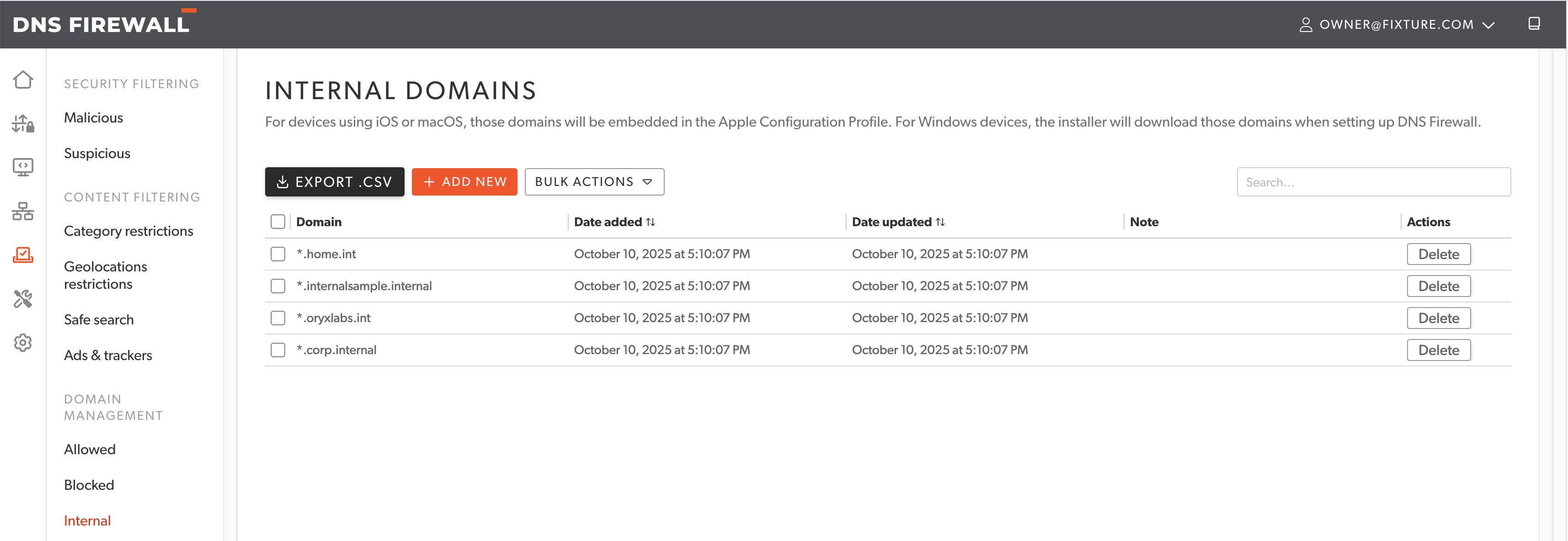
DNS Firewall provides options to manage Allowed Domains list, Blocked Domains list and Internal Domains list. These domains are exception lists which take precedence over policies. Each of these lists can be exported to CSV file.
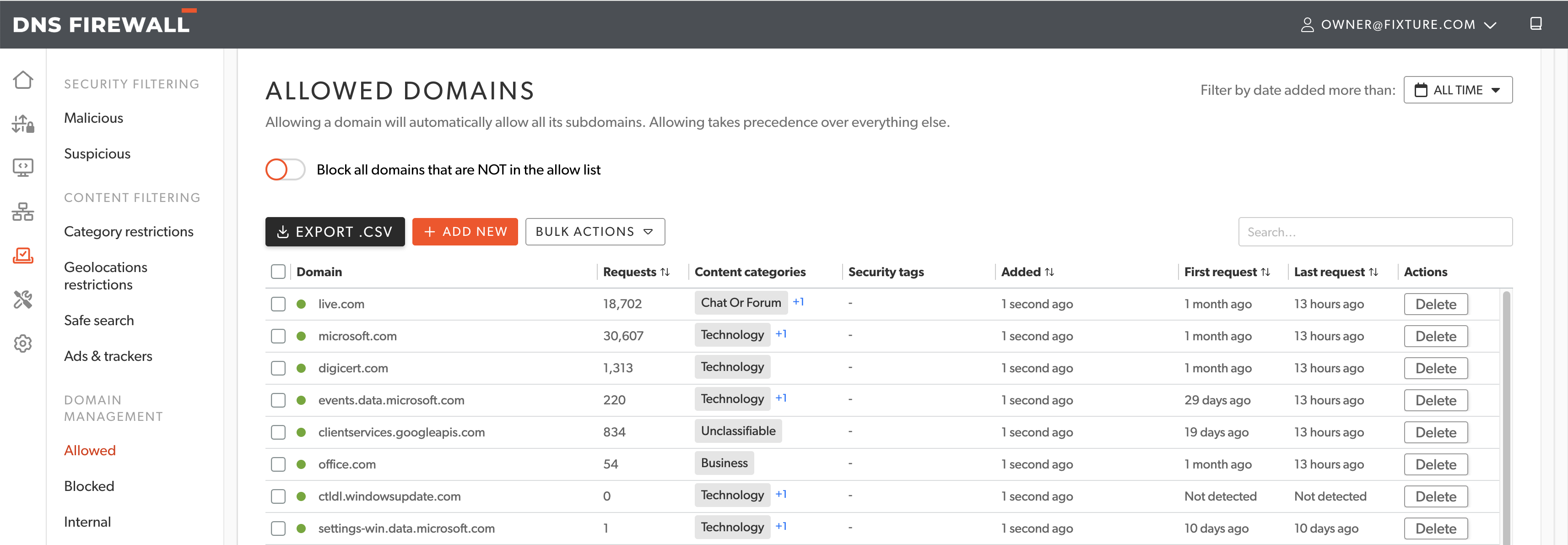
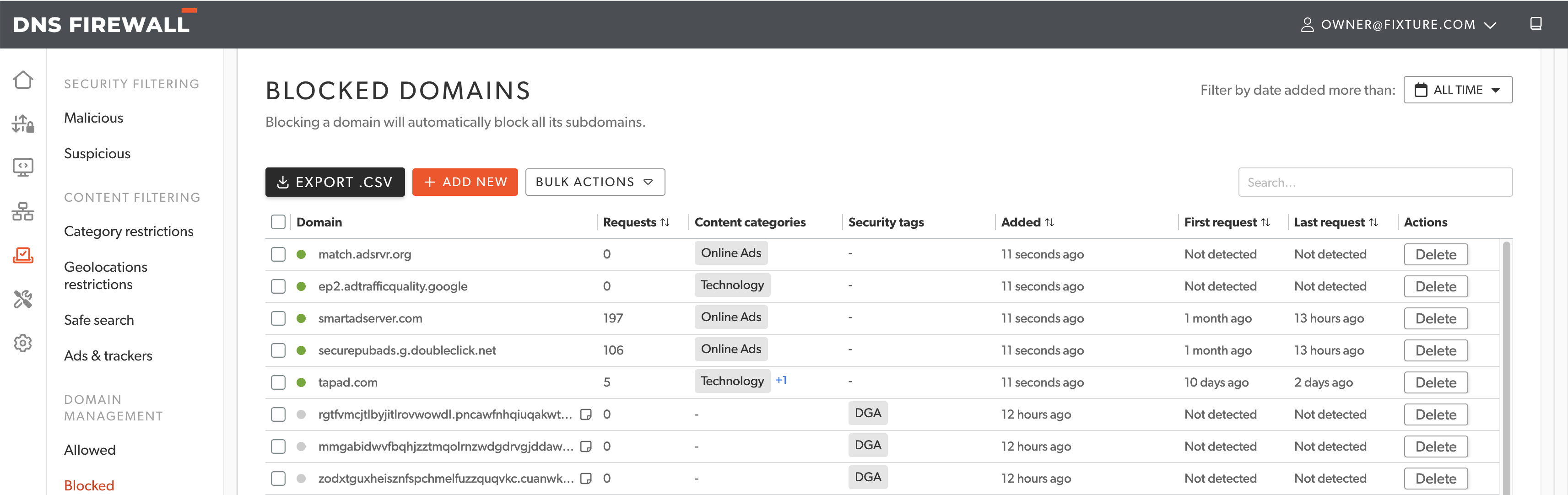
Allowed and Blocked Domains lists provide useful information about their contents:
- Indicate if a domain is active.
- Number of requests to the domain.
- Content categories.
- Security tags.
- Date of addition to the list.
- First request time.
- Last request time.
Allowed Domains list
Add domains to allow list which will override rejection policies. Domains that are part of Allowed Domains list take precedence over all policies. Use this in cases where access to a domain is required even if the content or security policies block the domain for some reason.
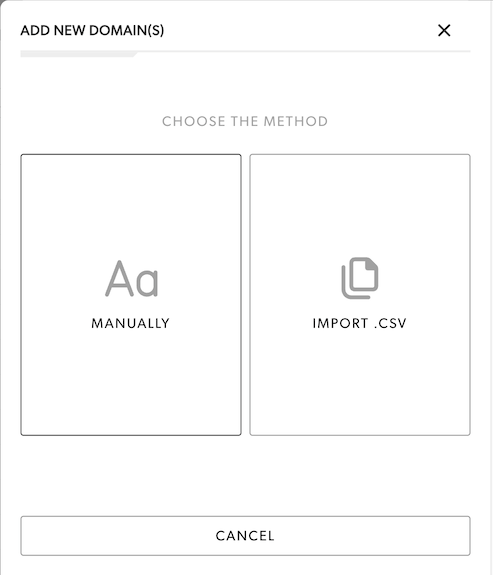
Domains can be imported by manual input or by CSV files.
Blocked Domains list
Add domains to Blocked Domains list to block access to domains that are not part of any security or content restriction policy.
Internal Domains list
Add internal domains that should not be forwarded to DNS Firewall resolvers. These are local domains which are hosted within an enterprise network and are not publicly accessible. The internal domains are synced by roaming clients at regular intervals to prevent forwarding these domains to DNS Firewall resolvers.