Content Filtering Policies
Inappropriate content filtering
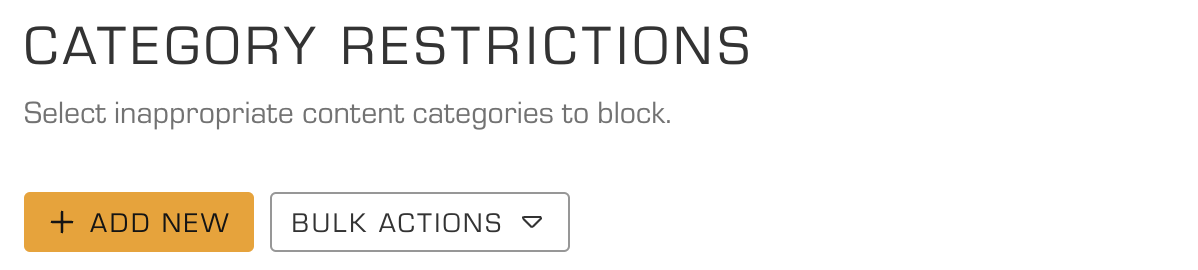
One of the key features of DNS Firewall is the ability to block inappropriate content in an organization. With a wide range of pre-defined categories, DNS Firewall makes it easy to block entire categories of inappropriate domains in a single click.
To enable content filtering policy navigate to Web app Policies > Content Filtering > Category Restrictions
Geolocation Filtering
In addition to pure content category, DNS Firewall allows filtering by geolocation which rejects all requests to a specific country.
Safe Search
Safe search can be enabled by default on search engines such as Google, Bing and Youtube.

Ads and Trackers
Enable blocking intrusive ads and trackers by turning on blocking for Ads and Trackers.